Live franchise intelligence
See league standings, weekly highlights, awards race, and the playoff picture from one clean, player-friendly view.
Built for Madden franchise leagues
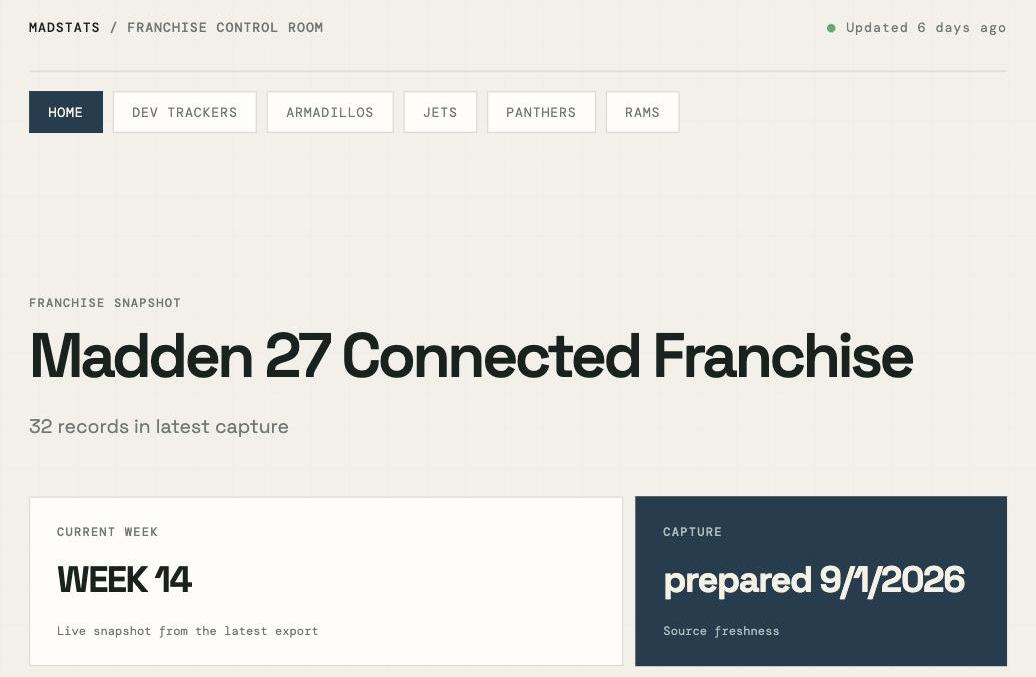
Madstats turns franchise data into a clean, live dashboard so users can see standings, roster movement, dev trait progress, and the playoff picture without digging through exports.
Why it exists
See league standings, weekly highlights, awards race, and the playoff picture from one clean, player-friendly view.
Track how your franchise is trending from week to week and spot momentum changes before they matter.
See injuries, depth, and franchise pressure before they start to shape the season.
Each league gets its own dashboard with the latest franchise data from the Madden Companion App.
For franchise users
Madstats gives league users a clear view of what changed, what matters now, and what to watch next across the franchise.
Pricing
Starter
How it works
Works with your Madden Companion App export flow.
FAQ
The Madden Companion App's export isn't perfectly reliable - occasionally a team's roster or a stat category will fail to send. That's a limitation of the app itself, not Madstats. If you see an error, just export again - most retries succeed cleanly, and Madstats picks up wherever your last successful export left off.
The Companion App only ever exports whichever week your league is currently on. If your league is in week 11, exporting gives you week 11's rosters - there's no way to go back and export week 10 after the fact. This is a limitation of the app, not something Madstats can work around.
Export every week your league is actually in, right before you advance. For example: export while in week 11, then advance and export while in week 12 - that gives you week 11 → 12 progression. If you skip exporting during week 11 and don't export again until week 13, week 11's roster data is gone for good - the app never lets you retrieve a past week's roster once your league has moved on.
If you see anything you might want added, or bugs to be fixed, hit me up at support@madstats.app.